If you are here, most likely you searched Arrests.org Texas to find someone’s arrest or jail information. I have done this many times myself, and I know how confusing it can get.
Many websites show mugshots and arrest details, but most of them do not show the full or correct picture.
From my experience, Arrests.org Texas is usually the first site people see, but it is not always reliable. Sometimes the data is old. Sometimes the person is already released. Sometimes the case details are missing.
When someone is really in trouble, what we want to know is simple:
- Is the person in jail right now?
- Which county or jail has them?
- What charges are filed?
- Is there any bond or court date?
In this article, I will share what I personally do to find correct information. I will explain Arrests.org Texas, and then I will show you the official Texas jail and court websites that I use.
I will guide you step by step, in a simple way, so you can check arrest records, inmate status, and court details without wasting time.
Everything here is based on my own experience of checking these records again and again.
Practical Step-by-Step Guide for How to Find Record Arrests.Org Texas
🔗 Website: https://texas.arrests.org
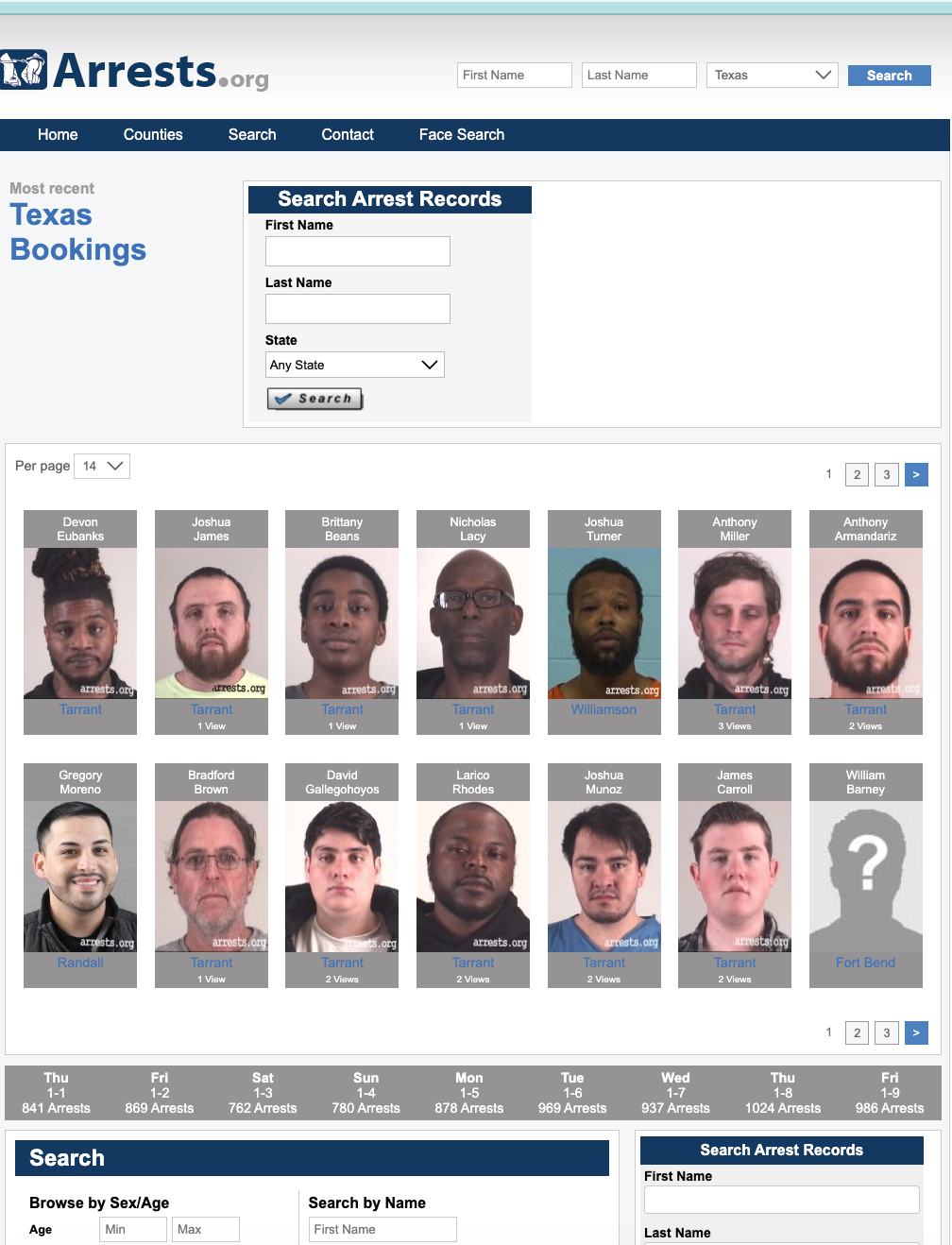
Step 1: Open the Texas Arrests Page at texas.arrests.org
Go directly to the Texas section, not the homepage.
You’ll see:
- Recent mugshots
- Names
- Counties
- Arrest dates
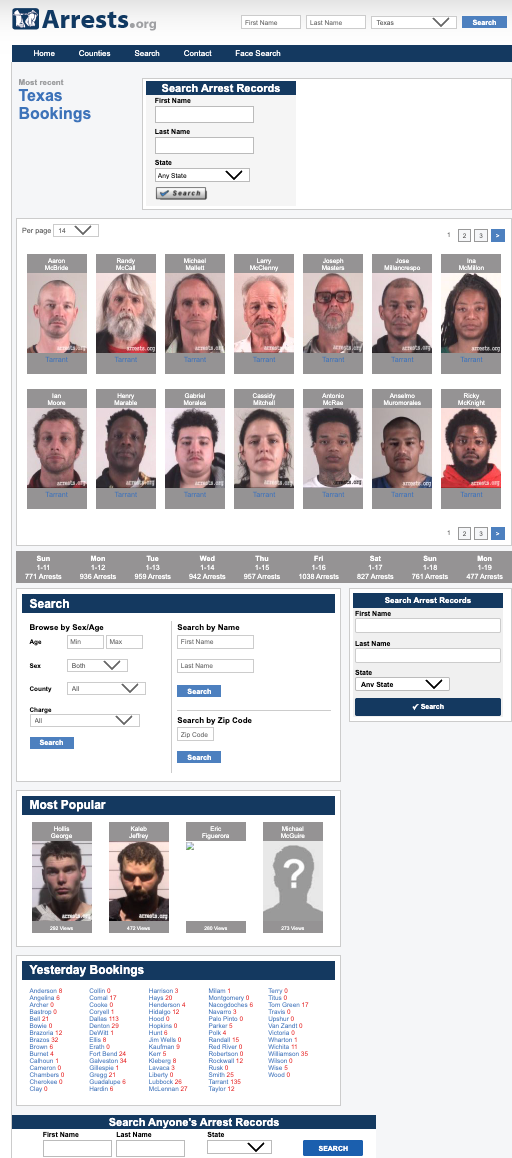
Do not assume “recent” means “still in jail.”
Step 2: Search by Name (Carefully)
- Use the search bar
- Enter last name only first
- Avoid filters at the beginning
- Scroll results manually
Why this matters:
Names are often misspelled or shortened during booking. Partial searches work better.
Step 3: Click a Result and Read the Details
When you click a profile, you may see:
- Full name
- Mugshot
- Arrest date
- County name
- Alleged charge
This is the only part you should trust:
👉 The county name
Everything else needs verification.
Step 4: Ignore “Status” Assumptions
Arrests.Org Texas does not update release or bond status reliably.
If a mugshot appears:
- The person may already be released
- Charges may have been dropped
- The case may never reach court
Do not assume current custody.
Step 5: Take the County Name and Leave the Site
This is the most important step.
Once you know the county:
- Close Arrests.Org Texas
- Move to official systems immediately
What to Do AFTER Arrests.Org Texas (Critical Step)
Once you identify the county, do this in order:
1. County Sheriff / Jail Inmate Search
Confirm current custody
→ Use the official county jail roster
2. County Clerk or District Clerk
Confirm charges and case status
→ Check if a case was filed at all
3. Texas Courts Portal
Confirm court dates and outcomes
4. TDCJ Inmate Search
Only if the case resulted in state prison sentencing
Arrests.Org Texas never replaces these steps.
Common Mistakes People Make With Arrests.Org Texas
- Believing a mugshot means guilt
- Assuming the person is still jailed
- Not checking court records
- Relying on screenshot evidence
- Waiting days before checking official sources
Experienced searchers never stop at third-party sites.
Why Mugshots Stay on Arrests.Org Texas
Most Texas counties remove booking photos after:
- Release
- Case dismissal
- Time limits
Arrests.Org Texas does not remove them automatically.
That’s why people appear arrested long after the case ends.
Official sources update. Aggregators don’t.
Final Reality Check (Important)
Arrests.Org Texas is:
- ❌ Not a government site
- ❌ Not real-time
- ❌ Not legally authoritative
It is only useful to:
✔ Identify counties
✔ Spot recent booking activity
The truth lives with:
- Sheriff offices
- Jail rosters
- Court clerks
- Texas courts
- TDCJ (after conviction)
That’s where confirmation happens.
Official Source #1 – TDCJ Inmate Search (State Prison)
This is the official Texas Department of Criminal Justice system. It shows people who are already sentenced and in state prison, not people still in county jails.
🔗 TDCJ Inmate Search (Official): https://inmate.tdcj.texas.gov/InmateSearch/
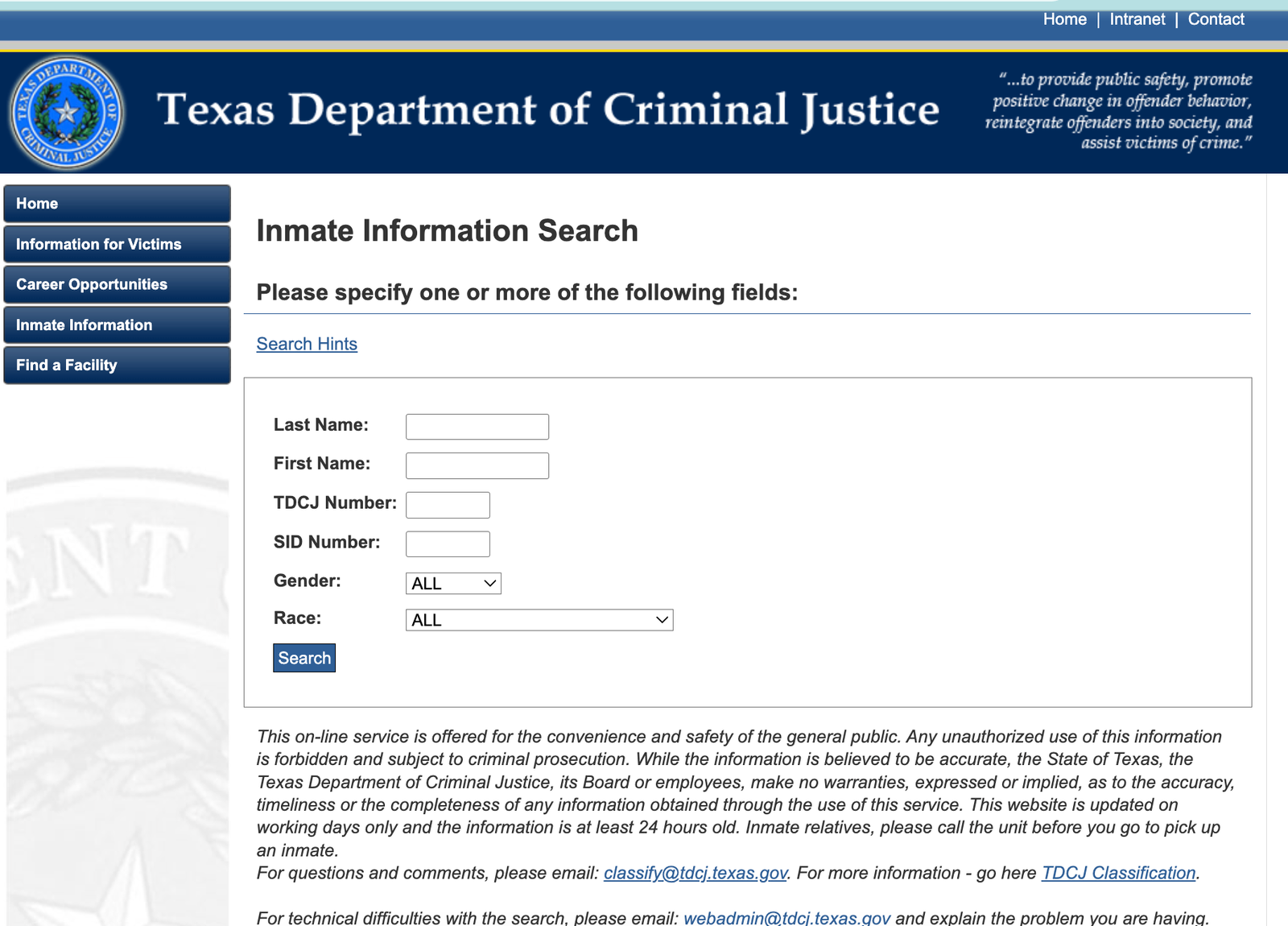
What it shows
-
Inmates currently in Texas state prison
-
Offense, facility, projected release date
What it does NOT show
-
Recent arrests in county jails
-
People out on bond
-
Court cases that haven’t resulted in a sentence yet
How to use TDCJ Inmate Online (step by step)
- Open the TDCJ Inmate Search page above
- Choose Name Search
- Enter the last name (full or partial)
- Enter the first name if you know it
- Click Search
- Review the list; click the name you want to see details
If no result appears:
It usually means the person is not in state prison. They might still be in a county jail, on release, or the name is misspelled.
Official Source #2 – Texas Criminal History & DPS Records
If you want a criminal history record summary, the Texas Department of Public Safety (DPS) maintains the official state criminal records database.
🔗 Texas DPS Crime Records: https://www.dps.texas.gov/section/crime-records
⚠️ This official system often requires a secure account and paid search for criminal history.
What it shows
- Convictions and dispositions
- Arrest records reported to DPS
- Misdemeanor and felony history
Step-by-step guide (general)
- Visit the DPS Crime Records Services page
- Choose Criminal History Search
- Follow the instructions to create a secure account if required
- Enter the person’s full legal name and date of birth
- Pay the required fee
- Review the results
If you want a free snapshot:
DPS also offers certain public-facing tools and summaries without a fee, but detailed histories may be restricted.
Official Source #3 – County Jail Inmate Search (Current Custody)
Most arrest records start at the county level. Texas has 254 counties, and each county runs its own jail system. If a person was arrested yesterday, they are almost always in a county jail first, not in state prison.
Here are examples of official county systems.
Harris County (Houston area) – Active Inmate Search
🔗 Harris County Inmate Inquiry: https://www.harriscountyso.org/jailinfo/HCSO_FindSomeoneInJail.aspx
How to use it
- Open the Harris County inmate search page
- Enter last name, first name, birth date if known
- Click Search
- View results showing current custody status
If the system says nothing found:
- Try variations on the spelling
- Try only last name
- Wait a few hours (some county systems delay updates)
Collin County (Plano area) – Inmate Information
🔗 Collin County Inmate List: https://www.collincountytx.gov/sheriff/inmate-information
- How to use it
- Go to the Collin County inmate page
- Look for a search field or list of names
- Enter last name or browse the list
- Click the inmate’s name to view booking details
- This page also provides contact info and visiting instructions.
- Dallas County Jail Lookup
- 🔗 Dallas County Jail Lookup: https://www.dallascounty.org/jaillookup/search.jsp
- How to use it
- Open the Dallas County inmate lookup page
- Enter last name, first name, or date of birth
- Click Search
- View inmate profile if found
Midland County Detainees
- 🔗 Midland County Current Detainees: https://www.co.midland.tx.us/201/Current-Detainees
- How to use it
- Open the Midland County detainees page
- Browse the list by date
- Click on names to see booking info
Ector County Jail Records (Odyssey Public Access)
- 🔗 Ector County Jail Records: https://portal-txector.tylertech.cloud/JailSearch/default.aspx
- How to use it
- Go to the Odyssey Public Access site
- Choose Jail Records
- Search by last name or booking number
Wise County Jail and Court Records
- 🔗 Wise County Public Records: https://jail.co.wise.tx.us/publicaccess/
- How to use it
- Visit the Wise County public records site
- Navigate to Jail Records
- Enter search criteria
- (These county sites are examples. Almost every Texas county sheriff has some form of inmate search. If Arrests.org Texas hints at a county, search that county’s sheriff site next.)
Official Source #4 – Texas Courts: Case Records
- Even if someone was arrested, the real legal story lives with the courts.
- 🔗 Texas Courts Research: https://research.txcourts.gov/
- This statewide portal lets you search criminal and civil cases for all 254 counties.
- How to use it
- Open the Texas Courts Research link above
- Choose the county where the arrest happened
- Enter the person’s name
- Review case filings, next court date, and charges
- This is often the most important step because it shows you:
-
Whether charges were filed
-
What specific charges exist
-
Case outcome or next hearings
County court sites sometimes have their own search tools, too, like Chambers County or Brazoria County.
Additional Official Tools
- Victim Notification / Custody Status (VINE)
- 🔗 Vinelink – National Notification Service: https://jail.co.wise.tx.us/publicaccess/ (not Texas-specific, but includes Texas data)
- How to use it
-
Go to Vinelink
-
Choose Texas
-
Enter the person’s name
-
Sign up to get notified if custody status changes
- This doesn’t give charges but helps if you need notification on release, transfer, or parole.